Specifications | Details |
| Printing Technology | Direct Thermal |
| Resolution | 300 × 300 dpi (Standard), 300 × 600 dpi (High Resolution) |
| Print Speed | 148 mm/s (~93 labels/minute) |
| Cutter | Integrated Automatic Cutter |
| Maximum Media Width | 2.3 inch (~58 mm) |
| Connectivity | USB |
| Weight | 1.12 kg |
| Dimensions | 125 × 213 × 142 mm |
| Supported Operating Systems | Windows, macOS |
| Software | P-touch Editor, Add-in for Word / Excel / Outlook |
Are you looking for a compact desktop label printer that is easy to use, offers fast printing speeds, and produces professional-quality labels for offices, warehouses, or retail stores?
The Brother QL-800 is exactly what you need!
As one of the standout models in the Brother QL Series, the QL-800 delivers professional label-printing performance at a highly affordable price point, making it suitable for individuals, small businesses, and medium-sized enterprises alike. Let's explore why this printer has become one of the most popular choices on the market today.
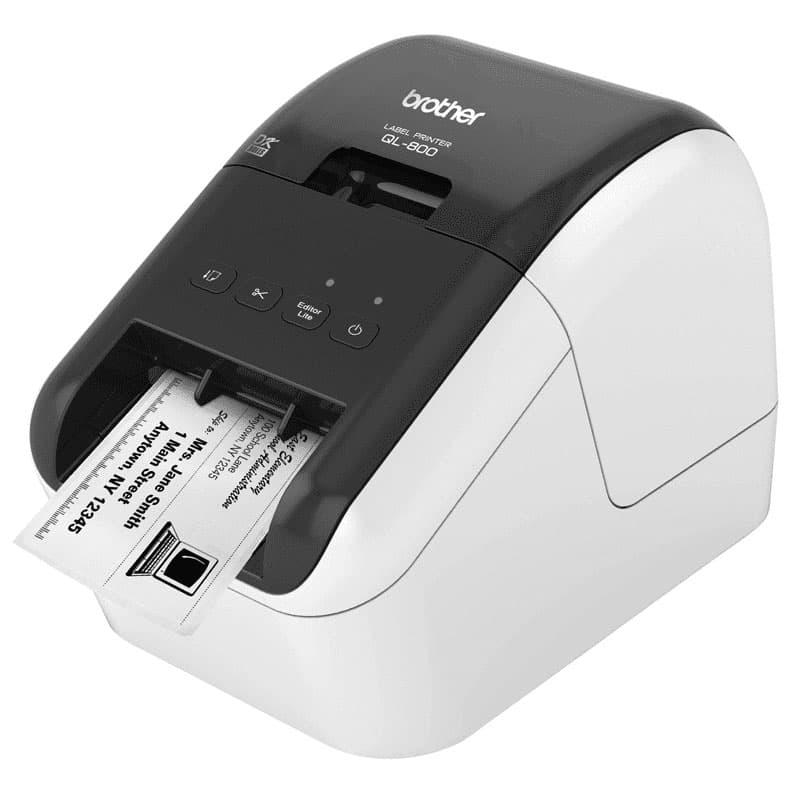
The Brother QL-800 is a direct thermal label printer designed for printing address labels, barcodes, file labels, shipping labels, name badges, QR codes, and more, all within an exceptionally compact and convenient design.
The printer also includes the free P-touch Editor software, allowing users to easily design and print labels directly from Word, Excel, or Outlook.
Thanks to its small footprint, the QL-800 fits perfectly on office desks, cashier counters, and other limited-workspace environments. Loading Brother DK labels and setting up the printer is quick and simple.
The direct thermal printing technology completely eliminates the need for ink or toner, helping reduce operating costs and maintenance requirements while still delivering sharp, professional-quality prints.
Print Resolution:
Need to print labels in large volumes?
The Brother QL-800 offers printing speeds of up to 148 mm/second, equivalent to approximately 93 labels per minute, making it ideal for shipping, logistics, warehousing, and retail operations.
The integrated automatic cutter produces clean, professional-looking labels without torn edges. This feature is especially useful when printing labels from Excel files or sequential data sources.
The printer connects via a standard USB interface and works seamlessly with both Windows PCs and Mac computers, ensuring compatibility with most common systems.
The QL-800 comes with P-touch Editor software and Microsoft Office add-ins, enabling users to:
The printer uses genuine Brother DK Series direct thermal labels, including:
At MMV, the Brother QL-800 is currently available at a highly competitive price:
Free label design software and user guidance included
MMV – Barcode Ink specializes in supplying genuine barcode equipment, including Brother label printers imported directly from authorized sources.